Preview test Follow
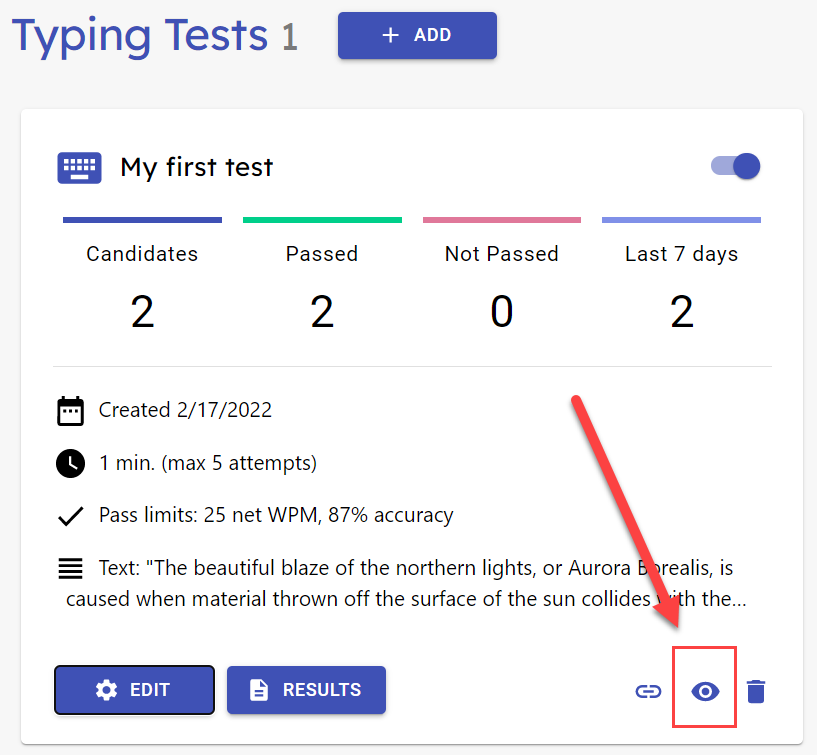
On the test summary card, click on the eye icon to open the test in preview mode in a new window.
The preview goes through the entire candidate path, but you do not need to fill in any information. To try out the test, just click through the screens and skip the practice test.
These are the steps in the test path:
- Test information screen
- Candidate information form
- Practice test
- Typing test: information, test and result views
- Summary