Delete test Follow
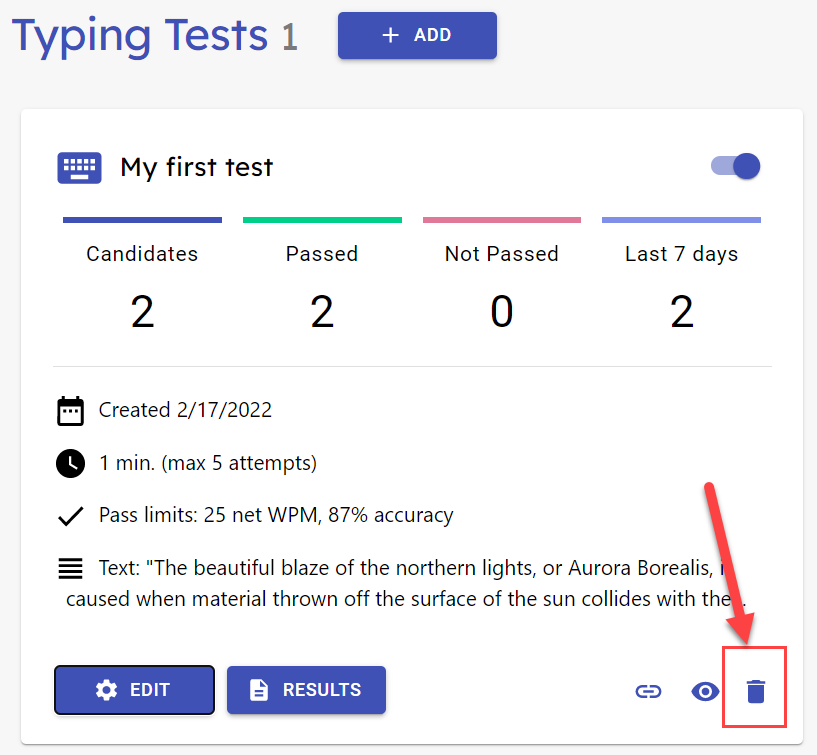
You can delete any test by click on the trash can icon on the test card and confirm or cancel the deletion in the dialog that opens.
Important! Deleting a test also deletes all test results from the test. Deletion is permanent and can't be reverted. If you need to hold on to the results but the test should no longer be available, set the test inactive from the switch on the title row. If you need to keep the results for a longer period of time, we recommend to download them in CSV format from the result view and then deleting the test.