Active and inactive tests Follow
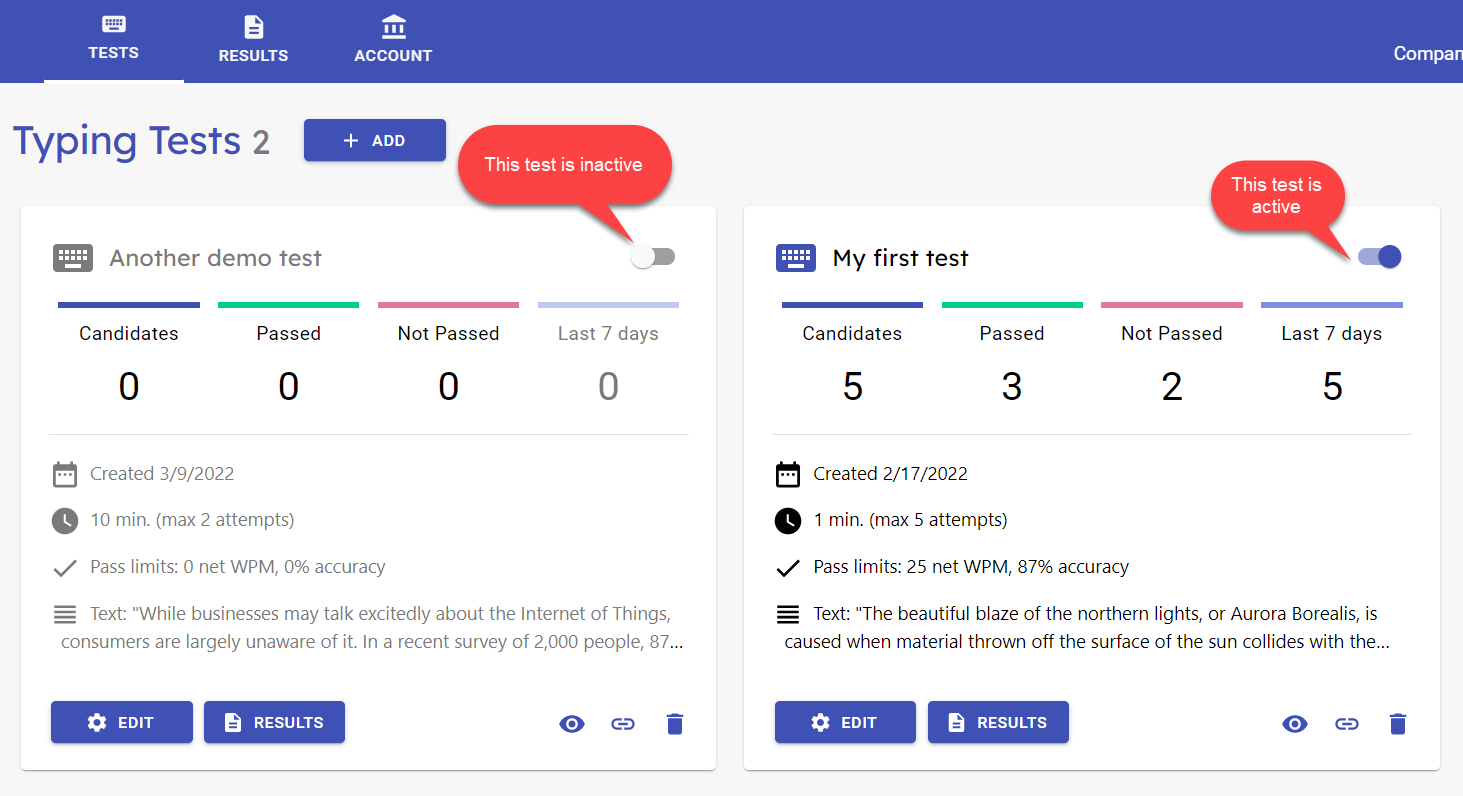
The test card title row has a switch to set the test active or inactive (default: active). You can use the switch to temporarily disable access to your test or if you want to keep the test results in TypingTest Pro but close access to it, or maybe you just want to set it up in advance and open later.
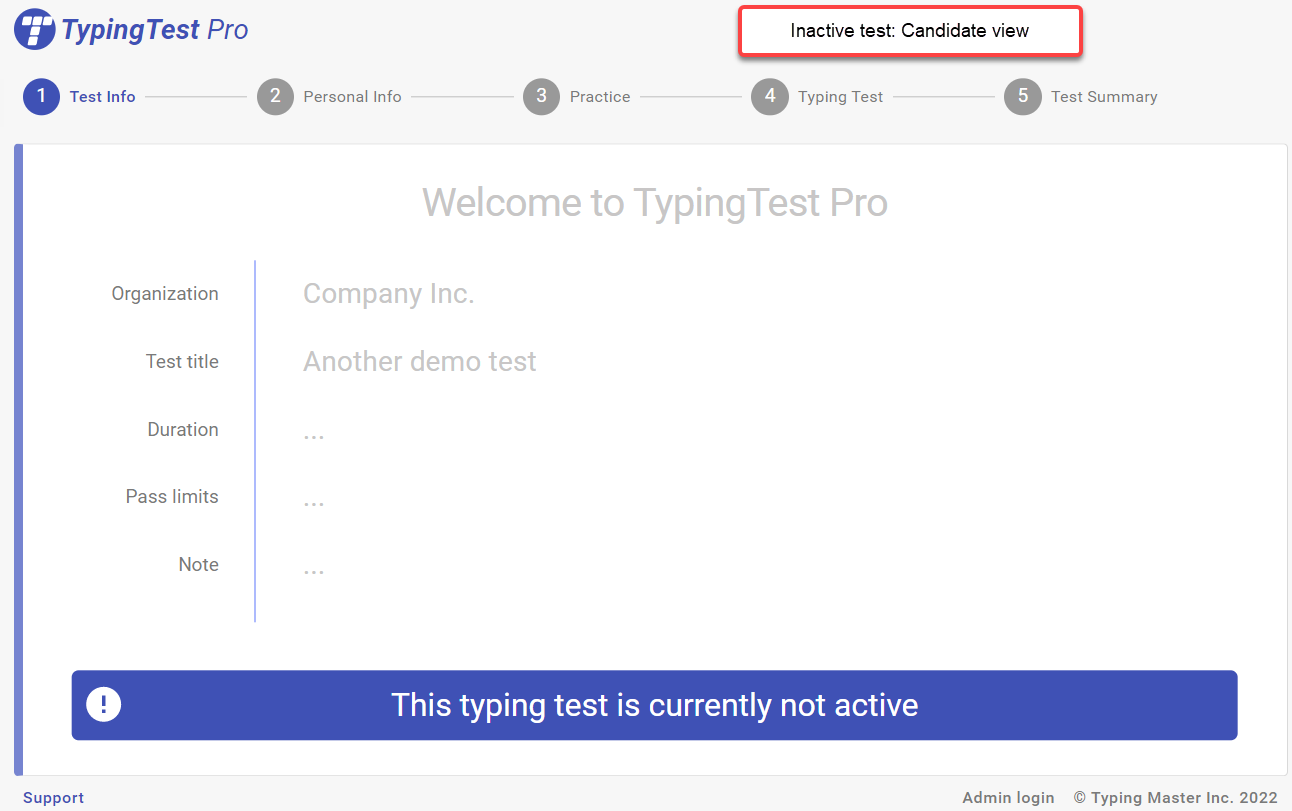
Inactive tests show dimmed in on the Tests page. Candidates who have the link and try to take the test will be shown a notification and access to the test is prevented.
The number of active tests allowed depends on your subscription plan.