Test settings Follow
|
REQUIRED TEST SETTINGS |
|
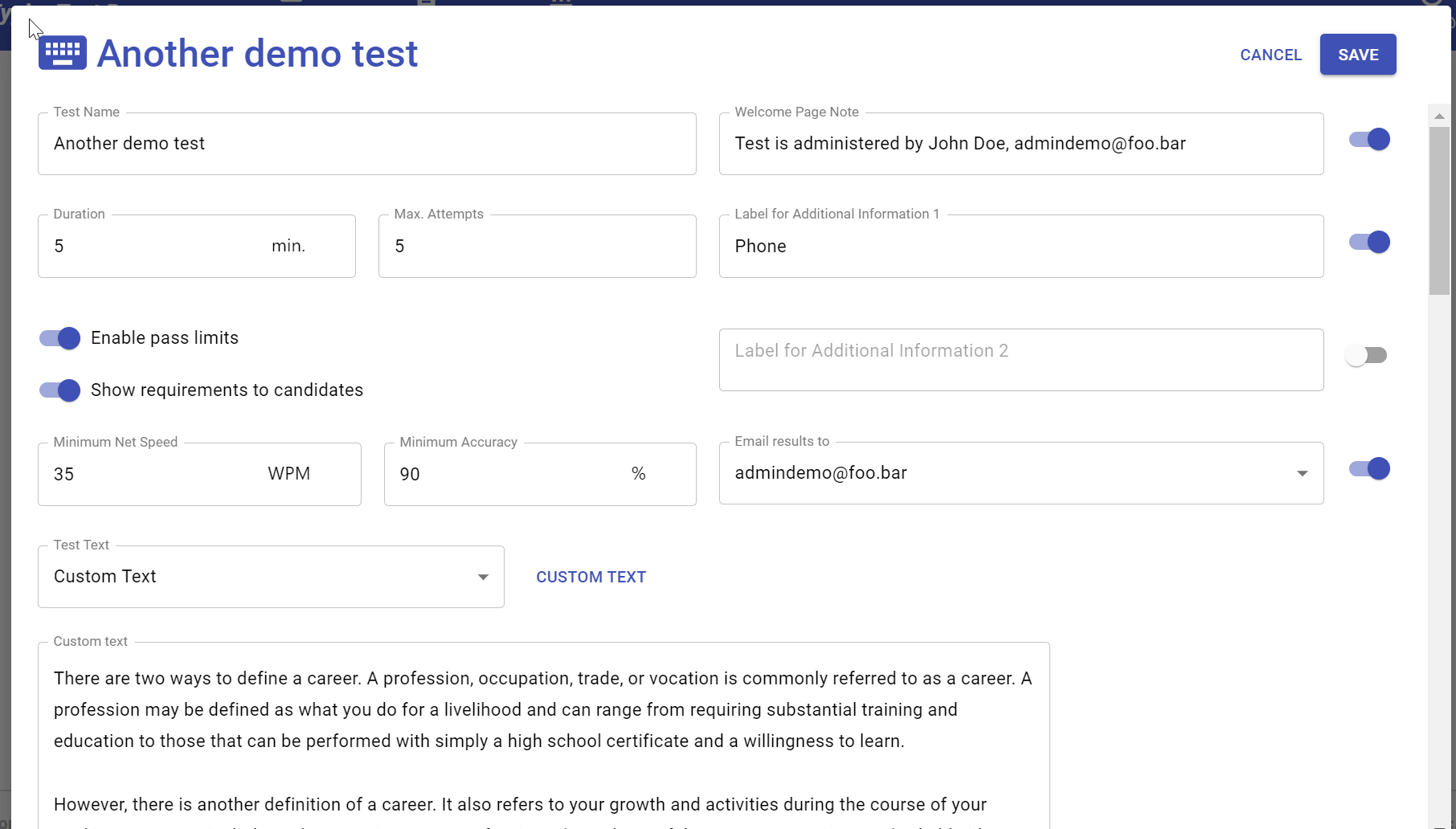
| Name | Unique, descriptive name of the test |
| Duration | Duration of the test in minutes |
| Max. attempts | Number of attempts that the candidate has for best possible result |
| Enable pass limits |
If disabled, pass limits will not be applied and the respective fields will be hidden in the test. Candidate will see status "Completed" for the tests. |
| Show requirements to candidates |
If enabled, candidates will not be shown the pass limits even when they are in use. Instead of Passed/Not passed status, the candidate will see status "Completed". In admin result view, status' "Passed" and "Not passed" will be used. |
| Minimum net speed |
Minimum net WPM required to pass the test. |
| Minimum accuracy | Minimum accuracy percentage required to pass the test. |
| Test text | Text for the test. You can select a text from our curated selection or copy-paste your own text when option "Custom text" is used. |
| OPTIONAL TEST SETTINGS | |
| Welcome page note |
You can use this field to show an additional message to the candidates on the first screen of the test. |
| Label for additional information 1 | Use the field to ask for short additional information from the candidate, such as phone or address. |
| Label for additional information 2 | Use the field to ask for short additional information from the candidate, such as phone or address. |
| Email results to | When enabled, each completed test result will be emailed to the selected admin(s). Note that all admins need to be registered on the account for result emailing. To invite additional administrators, go to Account page. |